



Login Top-Up
Top-Up
 Gems.
Monthly pass
$4.54
-$0.45
$4.99
10 Draws Guarantee Pack
$36.33
-$3.65
$39.98
20 Draws Guarantee Pack
$59.04
-$5.94
$64.98
100 Draws Guarantee Pack
$290.7
-$29.26
$319.96
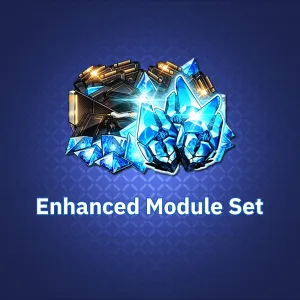
Enhanced Module Set
$49.97
-$5.02
$54.99
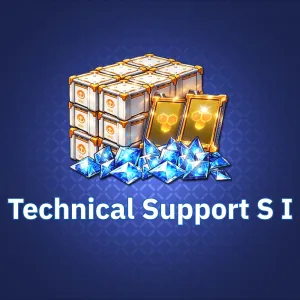
Technical Support S I
$49.97
-$5.02
$54.99
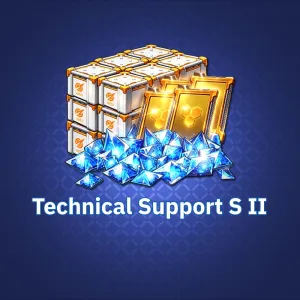
Technical Support S II
$90.85
-$9.14
$99.99
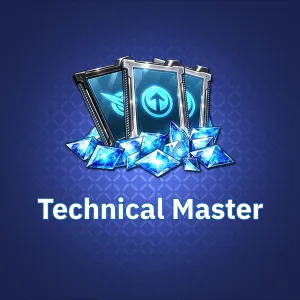
Technical Master
$9.08
-$0.91
$9.99
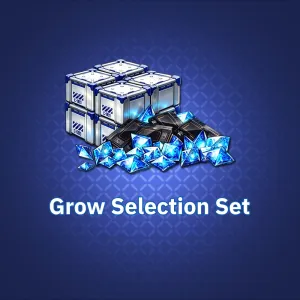
Grow Selection Set
$18.17
-$1.82
$19.99
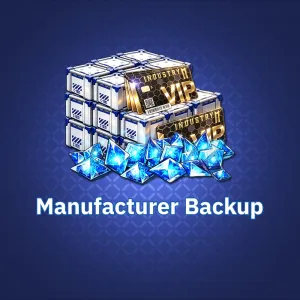
Manufacturer Backup
$49.97
-$5.02
$54.99
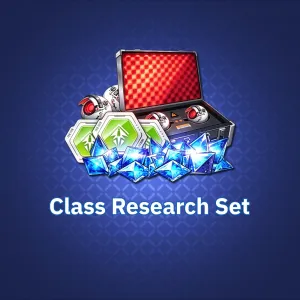
Class Research Set
$18.17
-$1.82
$19.99
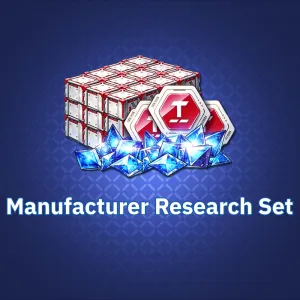
Manufacturer Research Set
$27.25
-$2.74
$29.99
60 Gems
$0.9
-$0.08
$0.98
120 Gems
$1.76
-$0.18
$1.94

320 Gems
$4.42
-$0.43
$4.85
720 Gems
$8.63
-$0.86
$9.49
1500 Gems
$17.25
-$1.73
$18.98
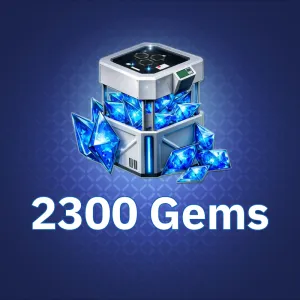
2300 Gems
$25.56
-$2.57
$28.13
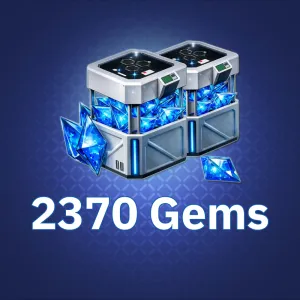
2370 Gems
$26.72
-$2.69
$29.41
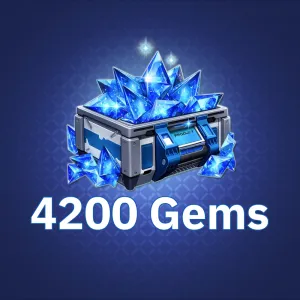
4200 Gems
$48.23
-$4.85
$53.08
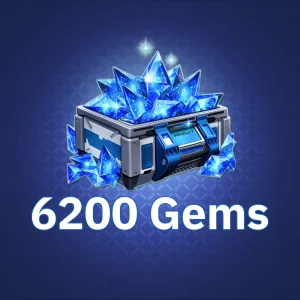
6200 Gems
$68.93
-$6.93
$75.86
Can't find the game package you want?
Product Description
Want to top up NIKKE? Two methods to choose from
Check what you want to buy first, then pick a method. For most purchases, UID top-up is enough.
UID top-up
Recommended: no password, lower price
・For Gems, monthly passes and all kinds of growth packs・Only your player UID and server are needed, no account password・Saves about 20–24% on Gems, the cheaper of the two methods・Usually completed within 5–10 minutes, depending on order status・Cannot be used to buy Draws Guarantee Packs
Login top-up
Choose this for Draws Guarantee Packs
・For the 10 / 20 / 100 Draws Guarantee Packs; other items are also available in this version・Requires your login account and password; our support team logs in to process the order after payment・Saves about 8–9%, with a slightly higher unit price than UID top-up・Please do not log in to the game while support is processing your order・We recommend changing your password right after completion
How to choose:If you only want Gems, monthly passes or common packs, choose UID top-up. Choose Login top-up only for Draws Guarantee Packs.
Supported regions and platforms
Before ordering, please confirm that your account meets these requirements.
Note:Please select the server that matches your account, and make sure it is the same as in the game when ordering. A wrong UID or server may cause delays or a top-up to the wrong account, so please double-check.
NIKKE price comparison
All prices are shown in the selected currency. Payment processing fees are added at checkout depending on the payment method. "In-game approx." is the in-game store price converted to the selected currency as a reference, not a live rate. "Approx. savings" = (In-game approx. − our price) ÷ In-game approx. Prices and offers may change with events; the order page prevails.
UID top-up: Gems
About the discount:UID top-up saves about 20–24% on each Gems tier; please refer to the table for each tier. Larger tiers mean a higher absolute amount, so choose the tier that suits your needs and do not stack up purchases just for the discount.
UID top-up: monthly pass and growth packs
Login top-up: Draws Guarantee Packs
Draws Guarantee Packs are currently only available through Login top-up. Before ordering, please check in the in-game store which one you want to buy.
Login top-up: Gems (for reference)
For the same Gems, UID top-up is cheaper and needs no password. Unless you have a special reason, we recommend choosing UID top-up first.
Not sure which tier to buy? Follow these four steps
Each item has different contents. Check the details in the in-game store first, then come back and choose the matching item.
1
Confirm what you want to buy
First check the Gems, monthly pass or pack you want in the in-game store
2
Note the name and amount
The item name on our site should match the one in the game so you can choose correctly
3
Return here and choose the same item
Choose UID top-up or Login top-up and fill in the details
4
Pay and wait for delivery
UID top-up is usually fast; with Login top-up, support logs in to process it
Budget tips:To try it out, start with 320 Gems or the monthly pass. For regular growth, look at the Grow Selection Set and the monthly pass. For events, consider larger Gems tiers or Draws Guarantee Packs. In the end, choose what you actually want to buy.
Reminder for ordering during events
During game events, please check the rules and how items are delivered first. To earn event points, make sure to complete your purchase within the event period.
Top-Up Process
The process has three stages: before, during and after purchase.
Before purchase: get your details ready
UID top-up requires
Applies to most items
・Player UID・Server (Global, KR, JP, SEA, NA, etc., depending on your account)・No account password needed
Login top-up also requires
For Draws Guarantee Packs
・Login method, account and password (used only to log in to the game)・Server and character name・If a verification code is needed during login, we will notify you to provide it
Where is the UID? Find it in four steps
1
Open the game and log in
Go to the lobby screen
2
Tap the avatar at the top left
The red box on the left of the image; open your profile
3
Find the ID
The profile page shows "ID" and "Server"
4
Copy or take a screenshot
Tap the copy button next to the ID, or save a screenshot
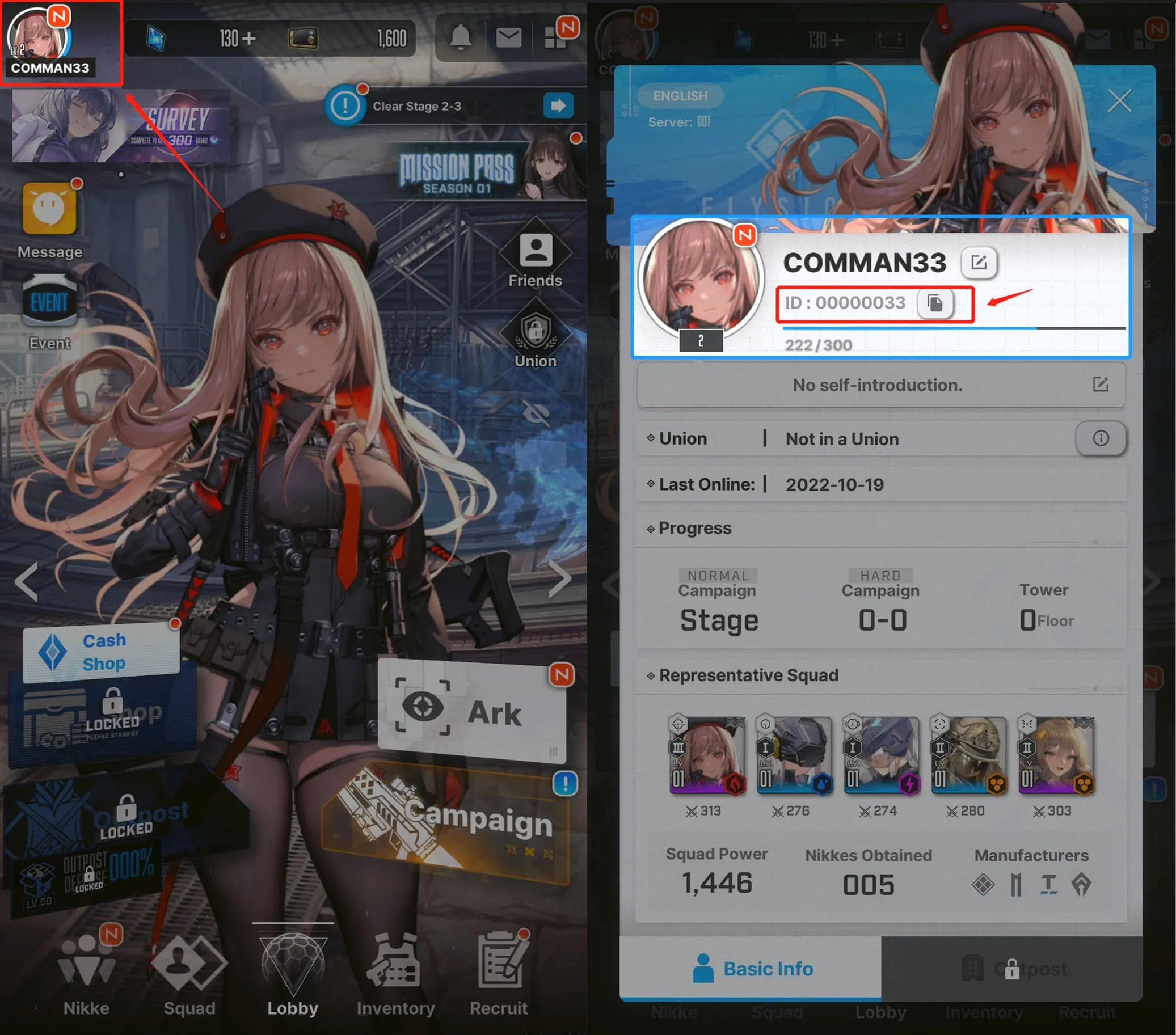
Note:The screenshot is only an example; your UID is based on your own account. If you play on multiple servers, please make sure the UID matches the server you want to top up.
Account safety: read this before ordering
Do
・Submit your details only through the Grecharge website or support・UID top-up needs only the UID and server, never a password・Change your password right after Login top-up is completed
Do not
・Do not give your account details to anyone who is not official Grecharge staff・Do not log in to NIKKE while a Login top-up is being processed・For UID top-up, do not provide a password if you are asked for one
During purchase: ordering and payment
1
Choose an item
On the item page, choose UID top-up or Login top-up, then pick the tier you want
2
Fill in details
For UID top-up, enter the UID and server; for Login top-up, also enter your login details
3
Confirm and pay
Check the item, details and amount, then pay with your chosen payment method; fees are as shown on the checkout page
4
Wait for completion
UID top-up is usually fast; Login top-up is processed by support logging in
Fees and delivery time
After purchase: confirm delivery
How do I confirm the top-up is complete?
1
Check the status in the order center
After payment, you can view top-up progress in the order center
2
Log in to the game to confirm
Check whether the Gems, monthly pass or pack has been credited
3
Check the contents
Whether the item and quantity match your order
4
Login top-up users: change your password
After support notifies you of completion, we recommend changing your password immediately
What if I entered the wrong UID or server?
A wrong UID or server may delay the top-up or send it to someone else's account. If you notice a mistake, please contact support immediately with your order number, payment time and the UID you entered. Whether it can be recovered depends on the order status; please follow support's reply.
What if I did not receive it?
If the item does not show up right away, log in again or restart the game first. If you still have not received it, please keep your order number and contact Grecharge support; we will check the status or resend it.
About the game
The process has three stages: before, during and after purchase.
Before purchase: get your details ready
UID top-up requires
Applies to most items
・Player UID・Server (Global, KR, JP, SEA, NA, etc., depending on your account)・No account password needed
Login top-up also requires
For Draws Guarantee Packs
・Login method, account and password (used only to log in to the game)・Server and character name・If a verification code is needed during login, we will notify you to provide it
Where is the UID? Find it in four steps
1
Open the game and log in
Go to the lobby screen
2
Tap the avatar at the top left
The red box on the left of the image; open your profile
3
Find the ID
The profile page shows "ID" and "Server"
4
Copy or take a screenshot
Tap the copy button next to the ID, or save a screenshot
Note:The screenshot is only an example; your UID is based on your own account. If you play on multiple servers, please make sure the UID matches the server you want to top up.
Account safety: read this before ordering
Do
・Submit your details only through the Grecharge website or support・UID top-up needs only the UID and server, never a password・Change your password right after Login top-up is completed
Do not
・Do not give your account details to anyone who is not official Grecharge staff・Do not log in to NIKKE while a Login top-up is being processed・For UID top-up, do not provide a password if you are asked for one
During purchase: ordering and payment
1
Choose an item
On the item page, choose UID top-up or Login top-up, then pick the tier you want
2
Fill in details
For UID top-up, enter the UID and server; for Login top-up, also enter your login details
3
Confirm and pay
Check the item, details and amount, then pay with your chosen payment method; fees are as shown on the checkout page
4
Wait for completion
UID top-up is usually fast; Login top-up is processed by support logging in
Fees and delivery time
After purchase: confirm delivery
How do I confirm the top-up is complete?
1
Check the status in the order center
After payment, you can view top-up progress in the order center
2
Log in to the game to confirm
Check whether the Gems, monthly pass or pack has been credited
3
Check the contents
Whether the item and quantity match your order
4
Login top-up users: change your password
After support notifies you of completion, we recommend changing your password immediately
What if I entered the wrong UID or server?
A wrong UID or server may delay the top-up or send it to someone else's account. If you notice a mistake, please contact support immediately with your order number, payment time and the UID you entered. Whether it can be recovered depends on the order status; please follow support's reply.
What if I did not receive it?
If the item does not show up right away, log in again or restart the game first. If you still have not received it, please keep your order number and contact Grecharge support; we will check the status or resend it.
Why Choose Grecharge?

Encrypted data, protected accounts
We use bank-level data encryption to protect your login information.

Lightning-fast top-up, instant delivery
Enjoy fast top-ups, delivered in an average of 3-5 minutes after you place your order.

24/7, top up whenever you need
Our automated processing system and customer support are available 24 hours a day to help whenever you need us.

Official top-up quality, trusted by players
We use 100% legitimate payment sources for top-ups and follow applicable rules to protect you from the risks of stolen-card payments.


