DELTA FORCE Delta Coin Top-Up
Delta Force: resupply before you deploy:Save 19% vs the official site, credited in 1–5 minutes — enter your player ID and it is sent right away
The main tab lists this site's prices and official reference prices for Battle Passes, bundles and all nine Delta Coin tiers in one place, from $0.0103 per coin. Direct top-up by UID — no account or password needed; when a new Battle Pass season or limited bundle goes live, pick a tier and enter your UID to top up.
UID only — no loginDelivered in 1–5 minThree server tabsPass · Coins · Bundles
View coin tiers
Delta Coin prices by server tab
Confirm your game version and server first, then swipe left/right to the matching tab (Non-Steam / Non-Garena, Garena-MY, Garena-ID). Prices are the public logged-out prices on the product page, shown in your market's currency; coupons may apply after login — final amount at checkout. Per-coin price = total price ÷ coins received.
Server tabs
Non-Steam/Non-Garena / Garena-MY / Garena-ID
⇄ Drag to scroll
1/3 · Non-Steam/Non-Garena
Garena-MY ➜
Non-Steam/Non-Garena = Non-Steam / Non-Garena
Delta Force PC & mobile · International servers
Steam and Garena versions not supported; international servers exclude Taiwan, Southeast Asia, Central & South America, Brazil, the Middle East and North Africa
Delta Coin price table
Savings = (official reference − our price) ÷ official reference
Delta Coin tier
Grecharge
Official ref.
Save
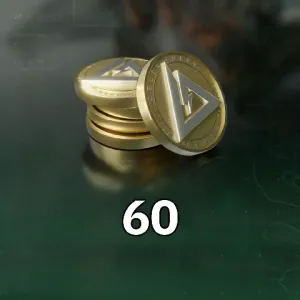
30 CoinsLeast value
$0.41$0.0137 / coin
$0.49
16%
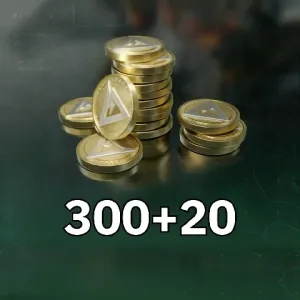
300+20 Coins
$4.11
$4.99
18%
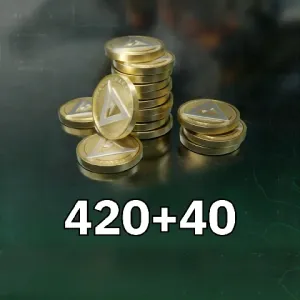
420+40 Coins
$5.97
$6.99
15%
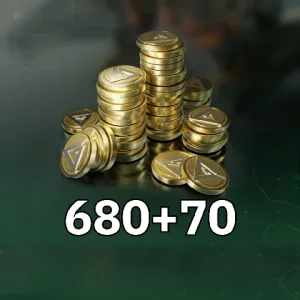
680+70 CoinsMost popular
$8.22$0.0110 / coin
$9.99
18%
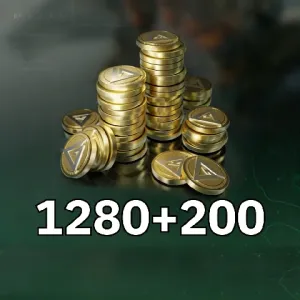
1280+200 Coins
$16.43
$19.99
18%
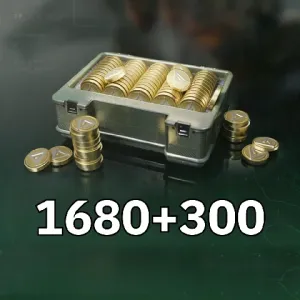
1680+300 Coins
$20.86
$24.99
17%
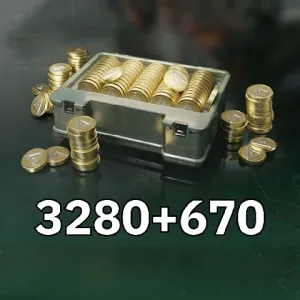
3280+670 Coins
$41.09
$49.99
18%
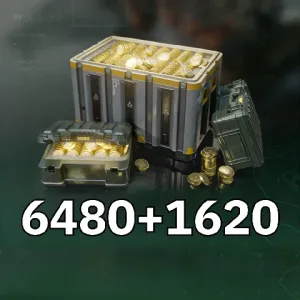
6480+1620 CoinsBest value
$83.38$0.0103 / coin
$99.99
19%
Battle Pass & bundle price table
Savings = (official reference − our price) ÷ official reference
Pass / bundle
Grecharge
Official ref.
Save
Battle Pass – Delta Deluxe
$6.17
$9.29
34%
Battle Pass – Warfare Edition
$4.51
$6.69
33%
Battle Pass – Operations Edition
$4.45
$6.69
33%
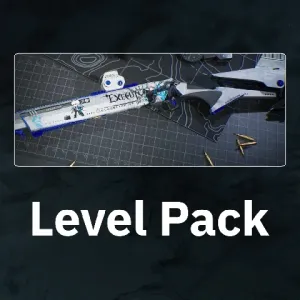
Level Pack
$8.36
$9.99
16%
Sanguine Guarantee Pack
$58.38
$74.98
22%
Pass Upgrade Lv.10
$11.06
$12.99
15%
Breath of Thunder Guarantee Pack
$120.92
$144.97
17%
Pass Upgrade Lv.20
$21.89
$25.99
16%
Pass Upgrade Lv.40
$43.57
$50.99
15%
Pass Upgrade Lv.60
$64.43
$75.99
15%
Pass Upgrade Lv.80
$85.90
$99.99
14%
“300+20” means you receive 320 coins (20 bonus included); per-coin price uses coins received, and marked tiers show the per-coin price under our price: 6480+1620 coins is the lowest per coin ($0.0103), best for stocking up; for everyday small top-ups pick 680+70 coins ($8.22); 30 coins has the highest per-coin price and is marked least value — for a small trial go straight for 300+20 coins. Passes and bundles are fixed-price items with no per-coin comparison; savings are listed tier by tier.
2/3 · Garena-MY
Garena-ID ➜
Garena-MY = Garena Malaysia
Garena version · Malaysia server
Only accepts UIDs of the Garena Malaysia server
Delta Coin price table
Savings = (official reference − our price) ÷ official reference
Delta Coin tier
Grecharge
Official ref.
Save
60+3 Coins
$0.99
$1.00
1%
300+36 Coins
$4.88
$4.99
2%
420+62 Coins
$6.84
$6.99
2%
680+105 CoinsMost popular
$9.74$0.0124 / coin
$9.99
3%
1280+264 Coins
$19.48
$19.99
3%
1680+385 Coins
$24.22
$24.99
3%
3280+834 Coins
$48.69
$49.99
3%
6480+1944 CoinsBest value
$97.36$0.0116 / coin
$99.99
3%
Garena Malaysia server only. “300+36” means you receive 336 coins (36 bonus included); per-coin price uses coins received; availability per the product page. Best value in this tab: 6480+1944 coins ($0.0116).
3/3 · Garena-ID
Non-Steam/Non-Garena ⬅
Garena-ID = Garena Indonesia
Garena version · Indonesia server
Only accepts UIDs of the Garena Indonesia server
Delta Coin price table
Savings = (official reference − our price) ÷ official reference
Delta Coin tier
Grecharge
Official ref.
Save
60+3 Coins
$0.89
$0.99
10%
300+36 Coins
$4.22
$4.99
15%
420+62 Coins
$5.79
$6.99
17%
680+105 CoinsMost popular
$8.12$0.0103 / coin
$9.99
19%
1280+264 Coins
$16.22
$19.99
19%
1680+385 Coins
$20.27
$24.99
19%
3280+834 Coins
$40.52
$49.99
19%
6480+1944 CoinsBest value
$81.04$0.00962 / coin
$99.99
19%
Garena Indonesia server only. “300+36” means you receive 336 coins (36 bonus included); per-coin price uses coins received; availability per the product page. Best value in this tab: 6480+1944 coins ($0.00962).
How to pick: compare per-coin prices, not discount percentages. The main tab table marks Best value(lowest per coin), Most popular(most ordered on site) and Least value(highest per coin at the same tier); each tab only accepts UIDs of its own game version — you can't buy on another tab's cheaper page.
Prices taken from the product page public logged-out prices on 2026-11-13; official reference prices are compiled from public listings — actuals per official pages.
Which tier to buy? Start with what you want this season
Passes, pass upgrades and coins serve different purposes — match the purpose first, then pick a tier above.
Your situation
Suggested tier (Non-Steam / Non-Garena)
Why
Playing the Battle Pass this season
Battle Pass (from $4.45)
Warfare / Operations / Delta Deluxe — pick by the mode you play
Want to jump levels on the pass
Pass Upgrade Lv.10 ($11.06)
Lv.20/40/60/80 also available — more levels, cheaper per level
Everyday small spends, topping up odds and ends
680+70 coins ($8.22)
750 coins received; the site's most ordered coin tier
Bulk coin stocking
6480+1620 coins ($83.38)
8,100 coins received; lowest per coin of all nine tiers
Want event items with guaranteed rewards
Sanguine / Breath of Thunder Guarantee Packs
Buy guarantee packs directly; event timing and contents per in-game notices
How many coins for the same budget? Buying-power converter
On a fixed budget, buy the cheapest per-coin tier first, then small tiers for the remainder — that yields the most coins. Calculated on the Non-Steam / Non-Garena tab.
Budget
Suggested combo
Coins received
You pay
$9.10
680+70 + 60 coins
810 coins
$9.04
$21
1680+300 Coins
1,980 coins
$20.86
$46
3280+670 + 300+20 coins
4,270 coins
$45.20
$92
6480+1620 + 300+20 + 60×4 coins
8,660 coins
$90.77
The converter counts coins only. Prices of passes, bundles and cosmetics follow the in-game shop; officials may adjust by season.
How to buy: pick tab, tier, paste UID
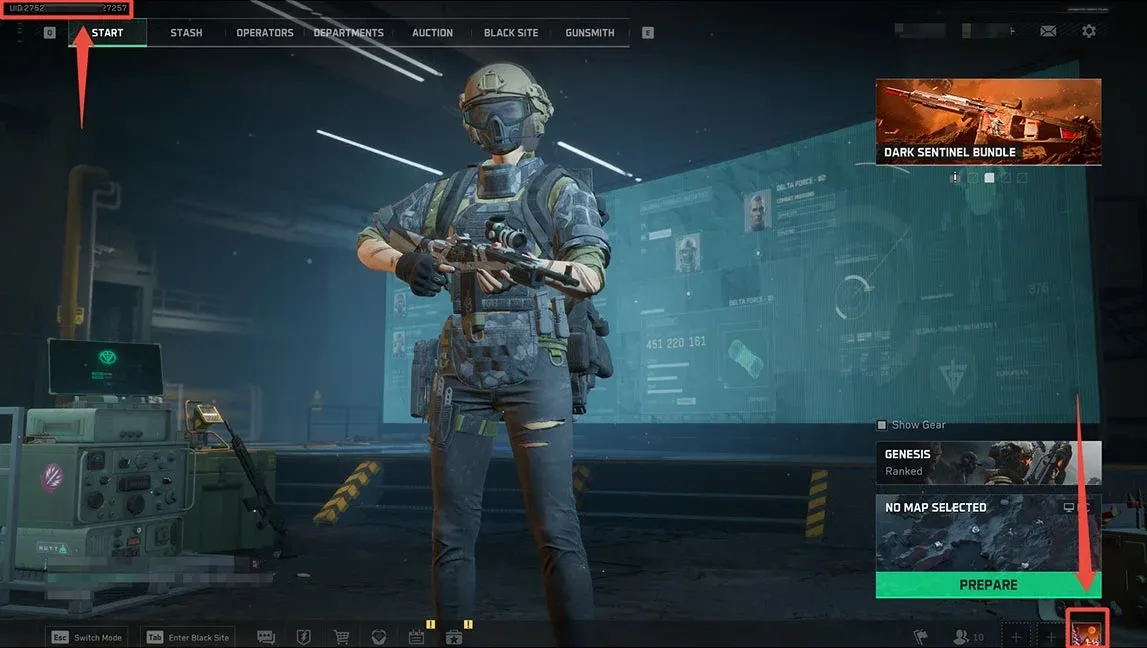
Delta Force uses direct UID top-up — coins go straight to the player ID you enter. No account or password at any point; we never log into your game.
1Switch to your server tab
Pick Non-Steam / Non-Garena, Garena-MY or Garena-ID by game version
2Pick tier, paste UID
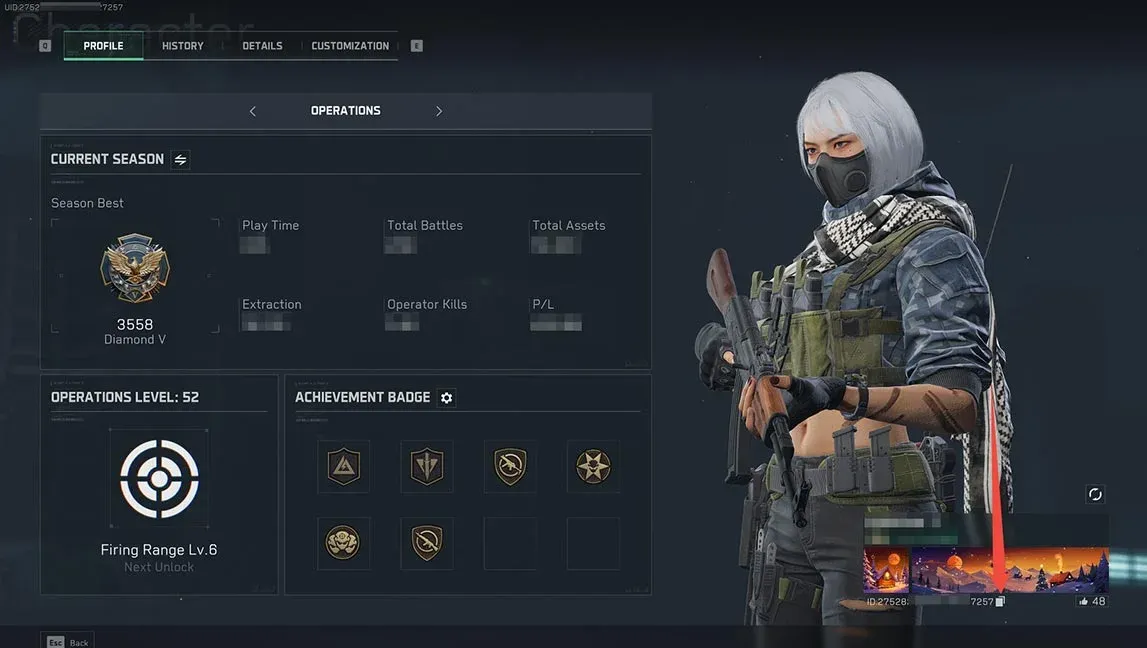
Paste your game UID (player ID) and double-check before submitting
3Delivery after payment
Automated or manual processing; delivered within 1–5 minutes
Which server are you on?
Check your launcher / game icon and match it to a tab:

Garena launcher (game icon has the red G logo) Pick the Garena-MY / Garena-ID tab
Log in with a Garena account; servers in Taiwan, Southeast Asia, South America, the Middle East and North Africa
International client / mobile international (no G logo) Pick the Non-Steam / Non-Garena tab
Servers in the Americas, Europe, Oceania, Japan, Singapore and more
✕
Steam version Not supported
We don't accept Steam-version UIDs on this page — don't order here, to avoid failed or stuck top-ups
What you need
Just your game UID (player ID) — no account, password or verification code
Supported versions
Non-Steam / Non-Garena tab: PC & mobile international servers; Garena-MY / Garena-ID tabs: matching Garena servers
Buy now or wait?
Buy now if
Battle Passes and event items are time-limited — claim rewards before the season or event ends; when limited bundles or guarantee packs go live, the sooner you buy, the sooner you use them.
Wait a bit if5% coupon
Just stocking coins with nothing specific to buy? Join Grecharge Discord, grab a 5% coupon then order — same coins, cheaper.
Join Discord for a 5% coupon
Event day-one note
Season launches and patch days concentrate orders and can be slower. If you're racing an event deadline, order a day early — don't cut it to the last hour.
Fees, refunds and risks: read before paying
Coins sent to a character can't be recovered — check these five points before paying.
Fees
Prices shown are public product-page prices; coupons may apply after login — final amount at checkout
Currency
Priced in your market's currency; any cross-border fees or FX differences are charged by your bank or payment provider
Version mismatch
The Non-Steam / Non-Garena tab doesn't support Steam or Garena versions; a version mismatch fails or stalls the order. Confirm your game version before paying
Wrong UID
Coins go to the character under that UID and can't be pulled back — no refund in this case. Check the UID and server tab digit by digit before paying
Not delivered
Restart the game first; if nothing after 30 minutes, contact support with your order number
Before paying, verify three things: server tab, tier, UID. Get any one wrong and coins may land in someone else's account, unrecoverable.
This platform is an independently operated virtual-goods sales and top-up service platform, and is not TiMi Studio Group, Tencent, Level Infinite or Garena, nor an official operator of or partner to Delta Force; game names, trademarks and icons belong to their respective owners. Products sold include third-party top-up services. “Official reference prices” on this page are compiled from public information for comparison only and may change with official adjustments.




 Not on Steam / Garena
 Garena-MY
 Garena-ID
 30%